Get in Touch
We will get back to you within 24 hours.
We will get back to you within 24 hours.
Welcome to MVS Blog
AI tools dramatically alter the means of learning, studying, and doing homework of students. They improve academic performance, increase productivity, and simplify difficult concepts while still maintaining originality and quality. In fact, AI can help learners in almost every way, from understanding complex topics, to creating research notes, to organizing study materials, and it can do all these tasks smoothly without causing any inconvenience.
Consequently, most educational institutions have decided to allow AI tools usage under the condition that students submit accurate, meaningful, and value-driven work. You might need to change some words or double-check some information, but the time saved is still very substantial.

If you used earlier ChatGPT versions for essays or study help, ChatGPT 5 does all of that — just way better. It’s faster, smarter, and works with multiple formats like text, images, PDFs, and handwritten notes. Students can count on it for clear explanations, summaries, and content creation of all kinds.
ChatGPT 5 ranks first because it can help with almost anything — from school assignments to college research — while giving detailed, organized, and accurate responses.
Features of ChatGPT 5
Creates essays, summaries, research plans, and revision materials
Breaks down difficult topics in simple steps
Summarizes PDFs, images, and even messy handwritten notes
Generates timelines, study schedules, quizzes, and practice questions
Polishes academic writing for better clarity and quality
Best For
ChatGPT 5 is the best option to have for students in need of a complete study assistant. Whether it will be STEM subjects analysis, literature analysis, or support with writing, it provides high-quality results fast and reliably.
Notion AI is a powerful study organization tool devised for students who want to keep all their notes, assignments, and projects in one centralized workspace. With AI-enhanced note processing and task management, Notion becomes an extension of your brain to help you stay organized throughout the semester.
Features and Best For
Ideal for students looking to maintain a structured digital space for studying.
AI note summaries
To-do lists and weekly study schedules
Custom templates for assignments, research logs, and class notes
Databases for long-term projects
Clean, structured layouts to remain visually organized
Notion AI enables students to manage many subjects without feeling overwhelmed.
The new Grammarly goes way beyond basic grammar checks — it can rewrite sentences, adjust tone, clarify your ideas, and even help you expand content. For students writing assignments or important emails, it’s super handy.
Features and Best For
Ideal for students working on writing-heavy assignments.
Rewrites sentences to improve clarity and flow.
Suggests academic tone adjustments.
Offers alerts for citations when claims require sources
Improves structure and organization in long essays.
Helps write professional emails with proper tone.
GrammarlyGO makes sure that your writing looks polished, professional, and academically appropriate.

Perplexity is picking up popularity with students because of the real-time, sourced answers it gives. Unlike any other search engine, Perplexity gives concise responses along with their citations, making it ideal for academic research or fact-checking.
Features and Best For
Best for students conducting research or writing source-based assignments.
AI answers supported by citations
Deep-dive research mode for complex questions
Summaries of journal articles, PDFs, and reports
Clean interface for fast topic exploration.
Perplexity AI saves students the much-needed time by availing information instantly and reliably.
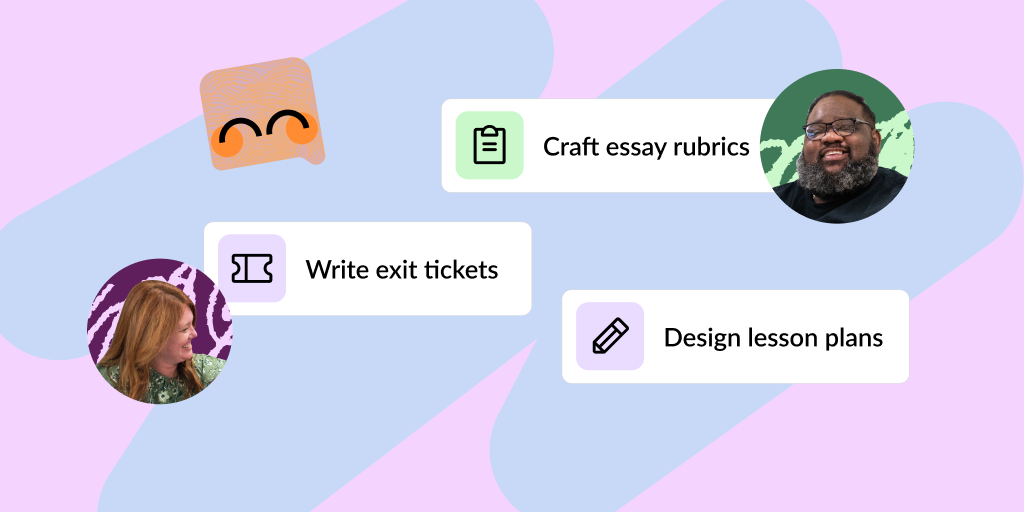
Khanmigo is an AI tutor designed specifically for education. Instead of giving direct answers, it guides the student step by step, making it a valuable tool for learning and mastery rather than shortcuts.
Features and Best For
Best for learning math, science, coding, and foundational subjects.
Interactive tutoring
Personalized learning pathways
Safe, student-friendly AI practices
Homework guidance with no enabling shortcuts
For learners who would prefer guidance instead of automated solutions, Khanmigo is the perfect fit.
Quizlet AI brings adaptive learning and long-lasting reinforcement of memory in day-to-day studying. It is assisted by artificial intelligence-generated flashcards, quizzes, and revision recommendations to help students learn faster and remember for longer.
Features and Best For
Best for students preparing for examinations and memory-based subjects.
Automatically generates flashcards based on class notes or textbooks.
Generates practice quizzes adapted to student performance
Tracks progress made in revisions
Offers study reminders and repetition methods.
Quizlet AI keeps revision organized and productive, particularly during exam season.

Claude is widely recognized for dealing with complex reasoning and long-form content. It is especially useful for students whose task involves a great amount of reading, detailed analysis, or complicated writing.
Features and Best For
Best for research-heavy subjects and deep analytical work.
Reads long documents without losing context.
Creates well-structured essays.
Clear explanations of logical and abstract topics.
Ideal for humanities, explanations of STEM, and creative work
Claude produces thoughtful, detailed academic responses with a high degree of accuracy.
Otter.ai is a must-have for students in physical and online lectures. Rather than scramble with their notes, students can rest assured that Otter will provide them with comprehensive, searchable transcripts.
Features and Best For
Ideal for lecture-intensive college students and hybrid learners.
Records and transcribes lectures in real-time.
Automatically summarizes key points
Syncs with Zoom, Teams and Google Meet.
Lets you search past lectures instantly
Otter saves time and ensures students never miss important information again.

Wolfram Alpha is a powerful computation tool. Detailed problem-solving capabilities from the fields of mathematics, engineering, physics, and chemistry make it highly valuable to students in these disciplines.
Features and Best For
Best for STEM students dealing with formulas, equations, and scientific data.
Step-by-step solutions to equations
Data visualization and graphing tools
Advanced scientific computation
Explanations of complicated formulae
Wolfram Alpha brings accuracy in computation to academia, and ultimately makes STEM subjects easier.

Canva AI merges design with automated tools to help students of all levels create visually stunning presentations, posters, worksheets, and graphics. Students who need design flexibility without advanced skills will appreciate Canva’s user-friendly interface.
Features and Best For
Best for students creating presentations, posters, or creative school projects.
AI-powered layout and design suggestions
Big package of templates
Text-to-image generation
Drag-and-drop editor
With Canva AI, students can design professional class presentations or project visuals with little effort.
For more tips, tutorials, and the latest updates on AI tools and student resources, subscribe to our YouTube channel: Manish Verma UPG. Don’t miss out—hit the subscribe button and stay informed!
NotebookLM is one of the most student-focused artificial intelligence tools out there. It makes an "AI learning partner" that is trained only on the documents the students will upload, ensuring accuracy and relevance.
Features and Best For
Best for exam preparation and study materials based on personal notes.
Summarizes textbooks, PDFs, and lecture slides.
Creates study guides and quizzes
Provides answers only from uploaded sources
Cross-links ideas across multiple readings
Note that NotebookLM would act much like a personal tutor who has studied along with you.
Microsoft Copilot is not a full-scale AI research assistant, but it is incredibly productive for students who use the Office 365 suite anyway. It assists with writing and data processing, presentations, and note summaries.
Features and Best For
Best for students and teachers working inside the Microsoft ecosystem.
AI-generated slide writing and design in PowerPoint
Content creation within Word
Data Interpretation & Charting with Excel
Note summarization within OneNote
Copilot augments daily study tools without requiring students to learn yet another app.
AI tools are changing the way students learn, study, research, and produce academic work. By using an array of tools like ChatGPT 5, Notion AI, GrammarlyGO, Google NotebookLM,Seo, Canva AI, and Wolfram Alpha, students can meet challenging tasks much faster and at higher quality than ever before. If used appropriately, such tools enhance learning rather than replace it. Whether you are looking to upgrade your study workflow, increase productivity, or understand complex subjects easily, here are 12 AI tools for academic success
For more useful academic updates and insights, you may also check out this blog: NIOS Update 2025 – All You Need to Know.
0 Response

Stay updated with the latest news, articles and updates directly into your box