Get in Touch
We will get back to you within 24 hours.
We will get back to you within 24 hours.
Welcome to MVS Blog
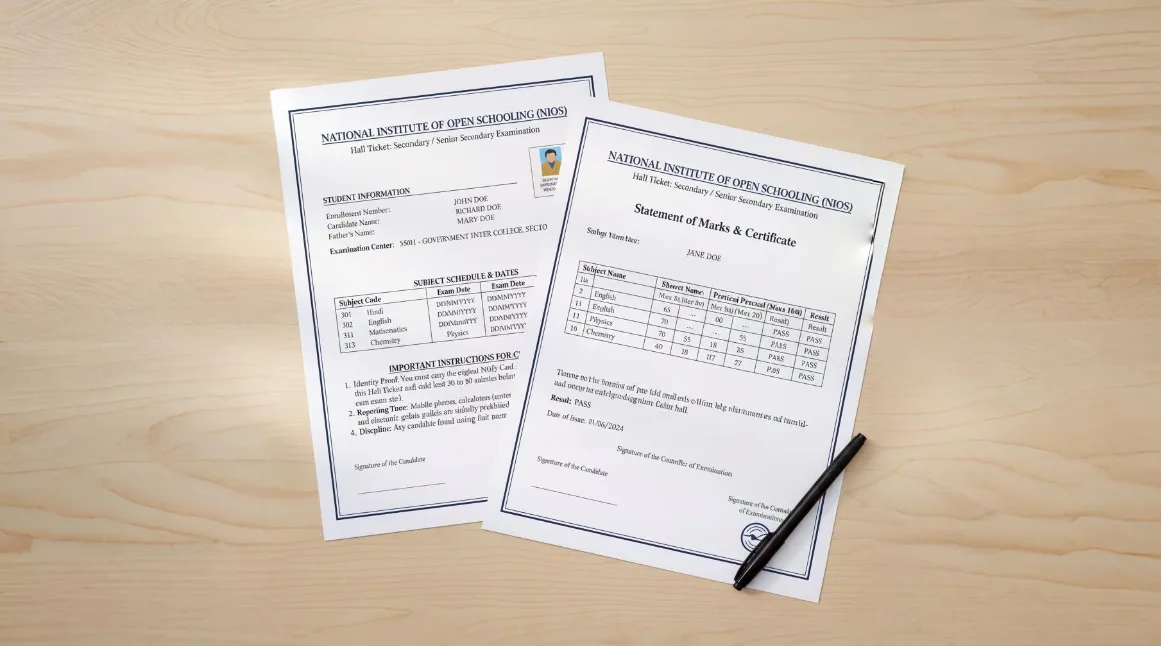
Getting your NIOS admit card, marksheet, or certificate starts online. Pupils in secondary or senior secondary levels find it helpful when things move smoothly. One big reason many pick National Institute of Open Schooling is freedom in learning pace. Paperwork becomes easier once you know where to click. Access shifts from stress to simplicity with correct steps. Each form, each pass, each record fits into one personal account. It works even if tech feels new. Most hurdles vanish after logging in properly. What seems confusing at first turns routine fast. Follow clear paths instead of guessing links. Your details stay safe through official portals only.
This guide walks through downloading your NIOS Admit Card, Marksheet, or Official Certificate using clear, basic steps. After reading, handling the NIOS online system feels familiar, almost second nature. How it works becomes obvious - no confusion, just clarity from start to finish.
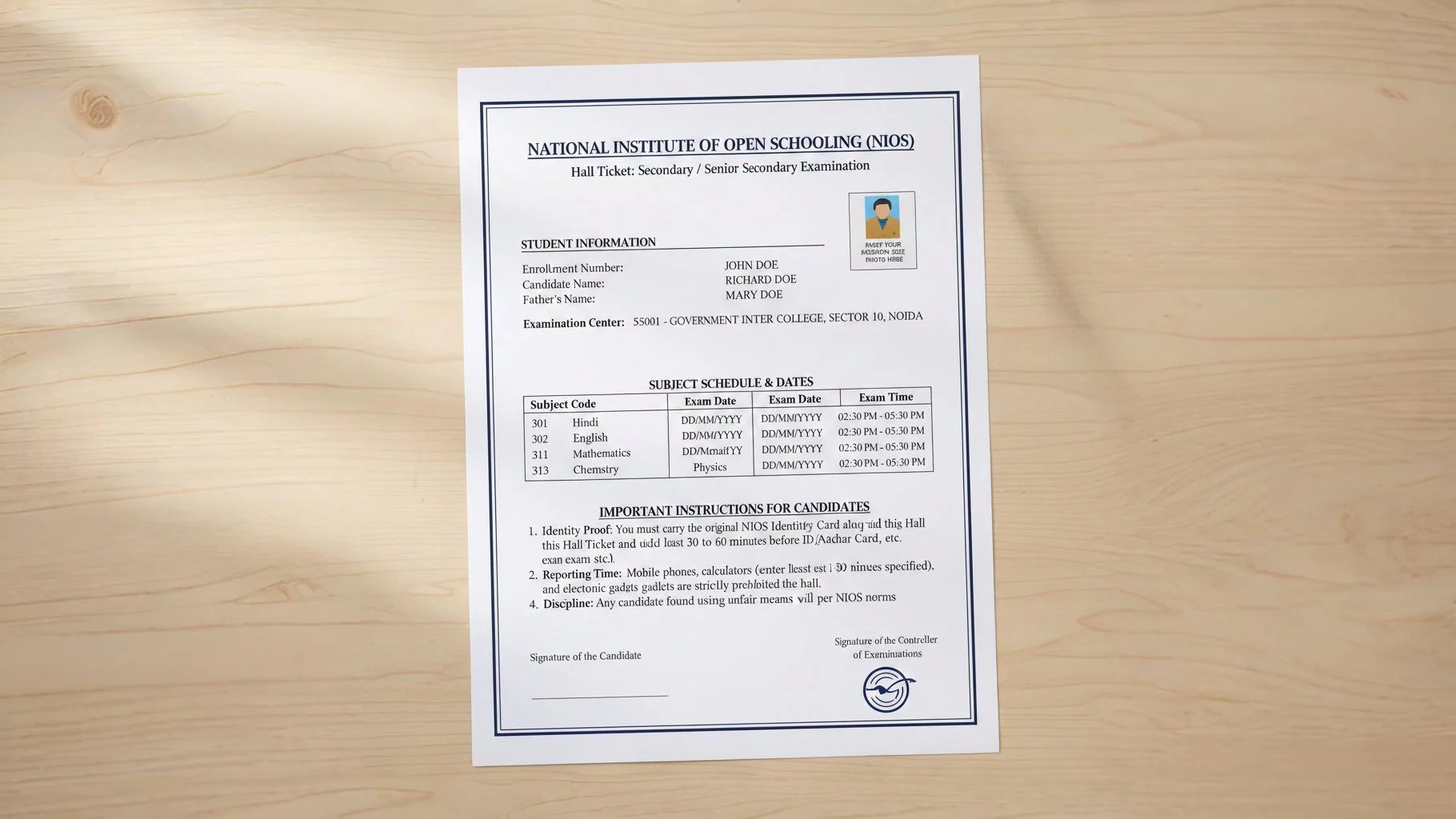
Getting into the exam room means having the right paper with you. This paper goes by many names - some call it a Hall Ticket, others say Admit Card - but everyone needs it. Show up without it? You won’t take the test. The NIOS gives out separate slips depending on what kind of exam you're doing. One version arrives if you’re facing the Practical Exam. A different slip comes when Theory Exam time rolls around.
Start by heading over to the NIOS Student Portal, known as SDMIS - it's where every learner goes for academic updates. The site acts like a hub, built just for students needing access to key resources. Once there, look around until you find the hall ticket section; it’s usually front and center on the homepage.
Your enrollment number shows up in a field labeled just like that. Look at your NIOS ID card - there’s the 12-digit code you need. Enter each digit slowly. Mistakes happen fast if you rush.
Pick what kind of hall ticket you need. From the list, go for either theory exam or practical exam version. When in doubt, grab both - just in case your schedule includes each one. The option shows up in a dropdown box on screen.
Once done, hit Submit. Up pops your admit card right there on display. Grab the PDF file after it downloads. Make sure to print a couple of copies, maybe even more.
Got a blank space where your picture should be? Reach out to your Regional Centre without delay. Missing photos on admit cards need quick attention - start by calling them right away.
Make sure the exam location on your card is correct. Going there a day early helps prevent mix-ups later. What matters most is knowing exactly where you need to be.
Missing the fee payment means no hall ticket shows up. Only after settling dues does the system release entry passes. Without that step, access stays blocked entirely.
NIOS Hall Ticket Link Click Here
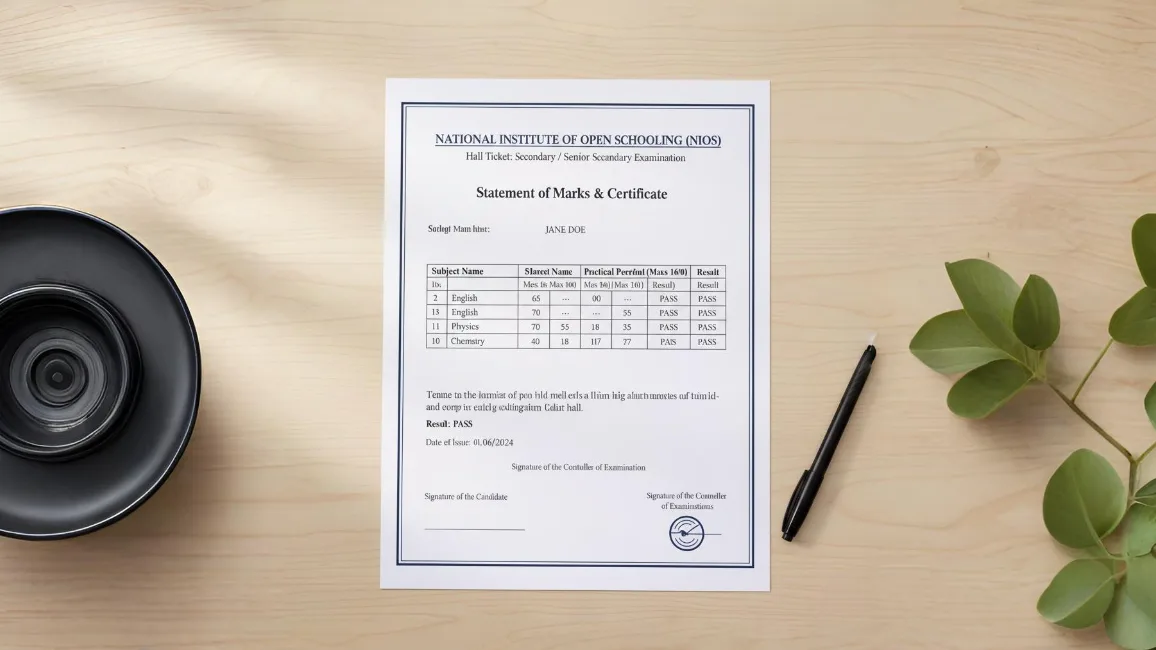
After tests finish, people start wondering about scores. About six or seven weeks following the final exam day, NIOS shares outcomes. Getting hold of your marksheet comes next - timing matters most here. Wait times feel long, yet they pass quicker than expected. Results appear online when ready, not before. Checking them needs only a few steps on their website.
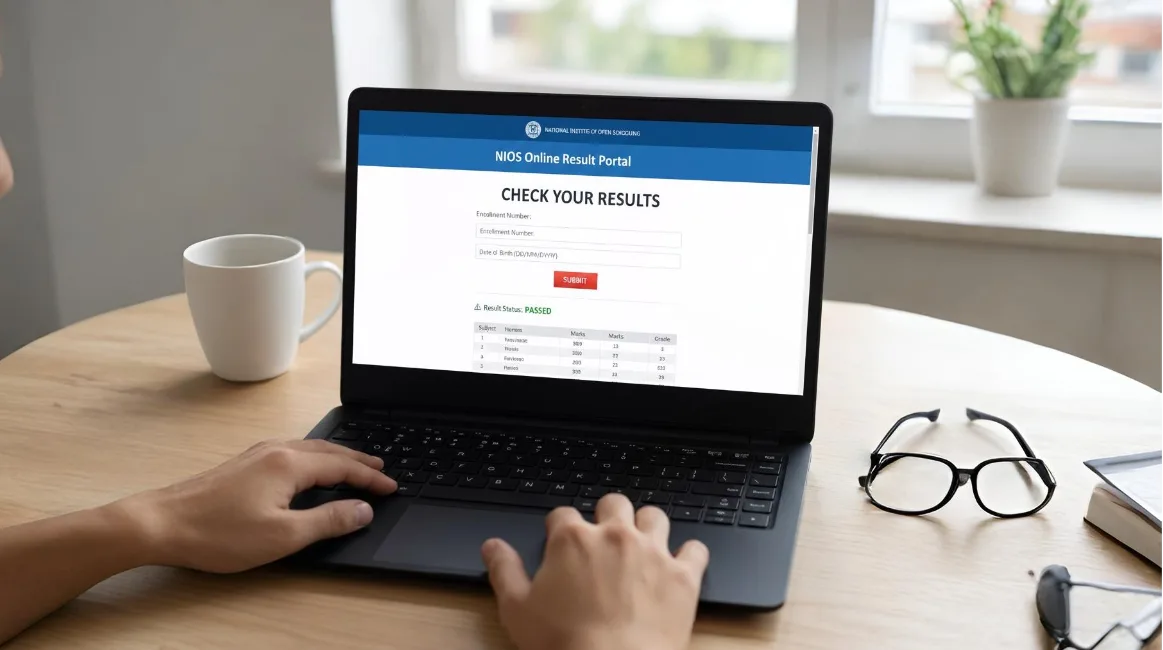
Head straight to where results live online. Open the NIOS Results Portal webpage next. Find the digital marksheet section there after that.
Start by finding your exam session. Go to the page marked "Secondary and Senior Secondary" results for this year - say, April 2025 or October 2025. That link will show what you need.
Your details go here. Type the 12-digit number assigned to you. Put in the letters or numbers from the image just like they appear.
Once you hit Submit, the results show up right away. After that, printing is an option - or saving it as a PDF works too. The screen changes only when you take that first step.
A heads-up - the digital marksheet counts as temporary proof. Good enough when rushing through college paperwork, though schools later demand the physical version to confirm everything. That paper one? They’ll want it in hand before calling things official.
NIOS Result Link: Click Here
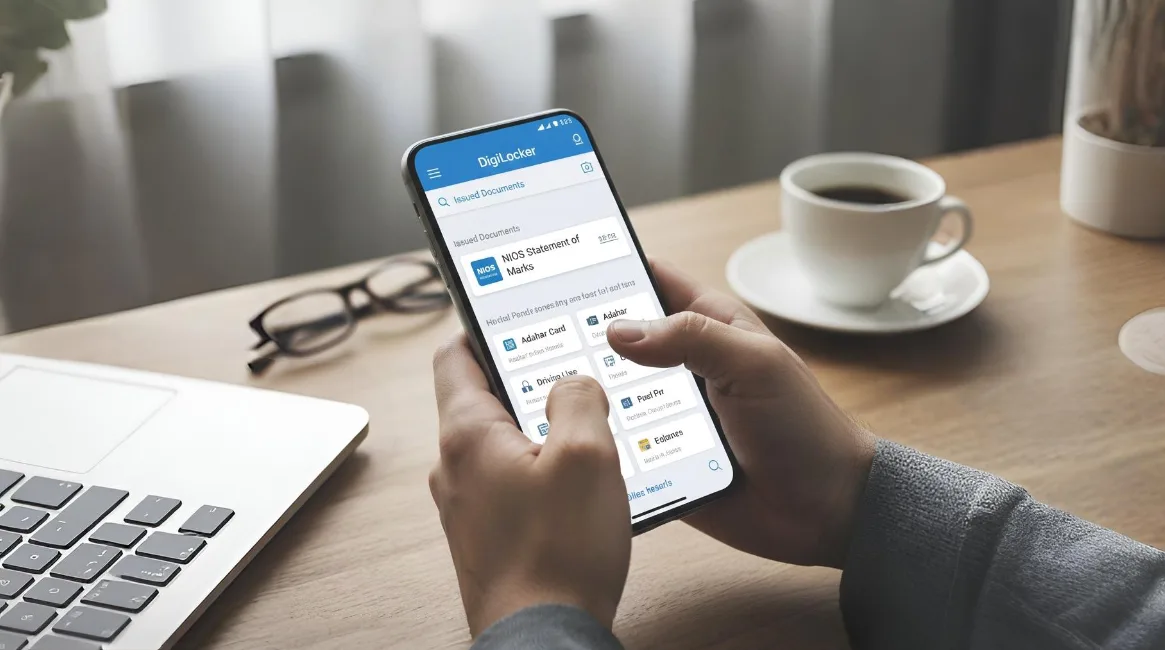
Imagine getting your school papers without waiting for paper copies. By 2025, official records stored online hold the same weight as printed versions. The National Institute of Open Schooling now works with India's DigiLocker system. This link lets learners receive secure digital mark sheets.
Start by visiting DigiLocker.gov.in or grabbing the app from your phone's store. Once there, enter your Aadhaar or mobile number to get inside. Signing up? That step comes right after logging in.
Start by typing National Institute of Open Schooling where it says Search Documents. Pick what you need from the results shown - maybe a Class X marksheet or passing certificate. Could be a Class XII one instead. Or even a migration certificate. To go further, put in your enrollment number. Add the year you finished school too.
Grab the document by selecting "Get Document." Your issued files stay safe in the "Issued Documents" area - always available. A digital version holds legal weight as per the IT Act.
DigiLocker Link: Click Here
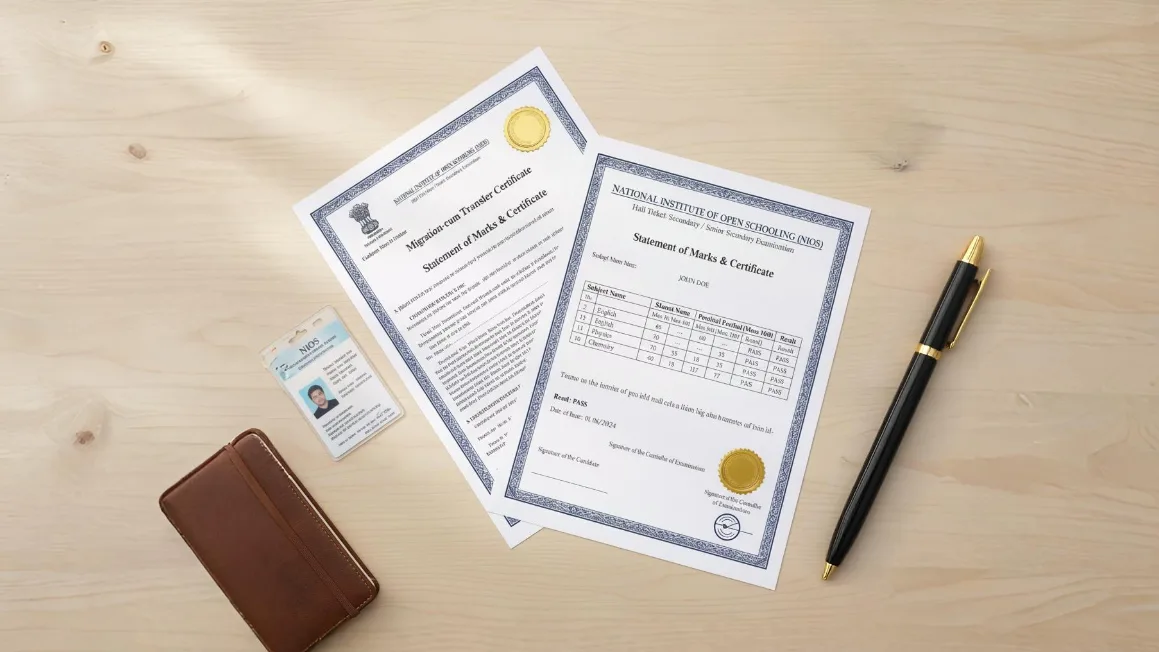
Here’s the thing about physical diplomas. Even though online versions exist, schools must hand out paper ones too. A printed certificate stays with you forever. Think of it like a personal keepsake.
Around a month or two following the online results, your Study Centre gets the hard copy of marks, migration proof, plus provisional certification from NIOS - this place being officially called an Accredited Institution.
Mailing letters? When the Study Centre shuts down or sits too far away, they might drop them in the mail instead, sending straight to where you live.
Learn NIOS Grading System: Click Here
Losing those papers might feel rough. Yet getting replacements works smoothly these days. A duplicate shows up fast when you go online.
Start by accessing the NIOS SDMIS website. Enter your details to get inside the system.
Start by opening the "E-Services" area.
Start by picking the option for a duplicate mark sheet or certificate. The cost will likely fall between ₹200 and ₹500, based on what you need. Payment must be made as part of the process.
A letter might arrive at your place by fast mail soon.
Get NIOS Classes Notes & Videos: Click Here

Got a missing hall ticket? That often means your picture isn’t in the system or fees haven’t been cleared. Reach out fast by sending an email to lsc@nios.ac.in - alternatively, stop by your regional office. Bring your ID plus proof of payment when you go.
Wait - this matters. Head to the NIOS E-Services site if you need to fix your name or change your date of birth. Proof must go up too: think Aadhaar, birth papers.
Start by reaching out to your Study Centre. When that doesn’t help, head over to the NIOS portal to see your current status. Should things still be unclear, get in touch with the Section Officer (M&M) at NIOS Headquarters.

Ahead of exams, students should grab their theory and practical hall tickets through the SDMIS Portal.
Once exams finish, head to the Result Portal to see your score.
Start by grabbing your digital marksheet through DigiLocker - ready whenever you need it.
Two months post results, pick up your paper marksheet at the Study Centre - for keeps.
Getting your papers through NIOS feels light years easier thanks to online tools. With a 12-digit Enrollment Number, doors open without leaving your chair. Check the real NIOS site often - details shift, things change. Hold tight to your sign-in keys; they matter more than most think. Learning moves at your pace, one step after another.
0 Response

Stay updated with the latest news, articles and updates directly into your box